Install Skype on the FACILOTAB tablet
Skype is an application that allows you to remotely call, and see your interlocutors. There is no need to install a SIM card on the tablet.
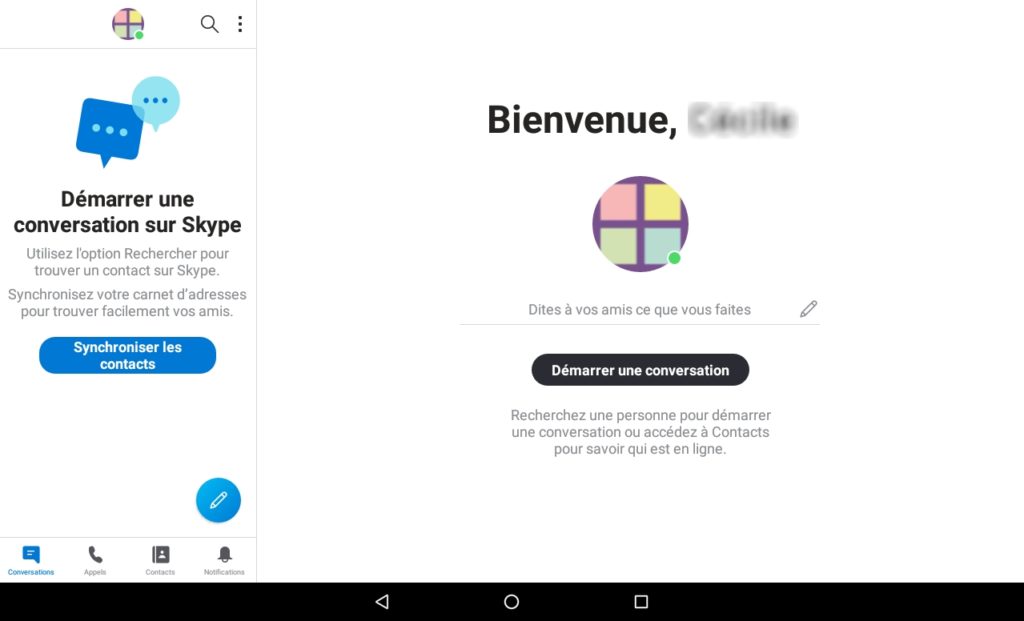

First of allinstall the applicationon the tablet.
To do this, open the Facilotab settings and tap the Applications tab. On the Suggested tab, check the Skype line or tap Install. Once installed and checked, Skype appears in the apps on the home page.
At the first opening of Skype
We mustcreate an account, by entering an email address, password, name and first name, country and date of birth.
Follow the various registration steps during which Skype will send you an email to confirm the validity of the email.
You can then customize the appearance of your account, add a profile picture, and more.

When the tablet is used by multiple users, the app must be connectedSkypebefore changing users on Facilotab. To do this, we must rely on thephoto profile, then onConnect.
Each user of the tablet will then have tochoose your accountandconnectwith his password by opening the Skype app.
Related Articles
Facilotab - Disable Facilotab's automatic startup
When you have received your Facilotab tablet (or installed your license), it will open automatically when you start the tablet. If you wish to disable the automatic launch of Facilotab when the tablet starts up: On the Facilotab home screen: Open the ...Connect your Orange email to Facilotab
Orange recently changed the security of access to the email account. To access your emails via Facilotab, follow these steps: First, open your email account on the internet, for example on a computer. In the account settings, under the Security ...Remote access via TeamViewer or AnyDesk
You can allow one or more close people, family or friends, to connect to the Facilotab tablet. The caregiver will be able to see the tablet screen and indicate where to touch it. Depending on the tablet model, they may even be able to remotely ...Installing/Reinstalling WhatsApp for Video Calls
If WhatsApp is installed but it is not possible to start a video call, it is advisable to uninstall the application using the Google application manager. Next, you reinstall the application. To do this, from the Facilotab homepage, click on the ...Photos and Messages Missing
You should check that you are logged into your email account: Click on the Facilotab settings icon Go down to line 22 SYSTEM Check the option to allow the management of multiple accounts On the left, go back up to the ACCOUNTS line Please check that ...